
Download Quick Maps – Fast Google Maps Integration for Firefox
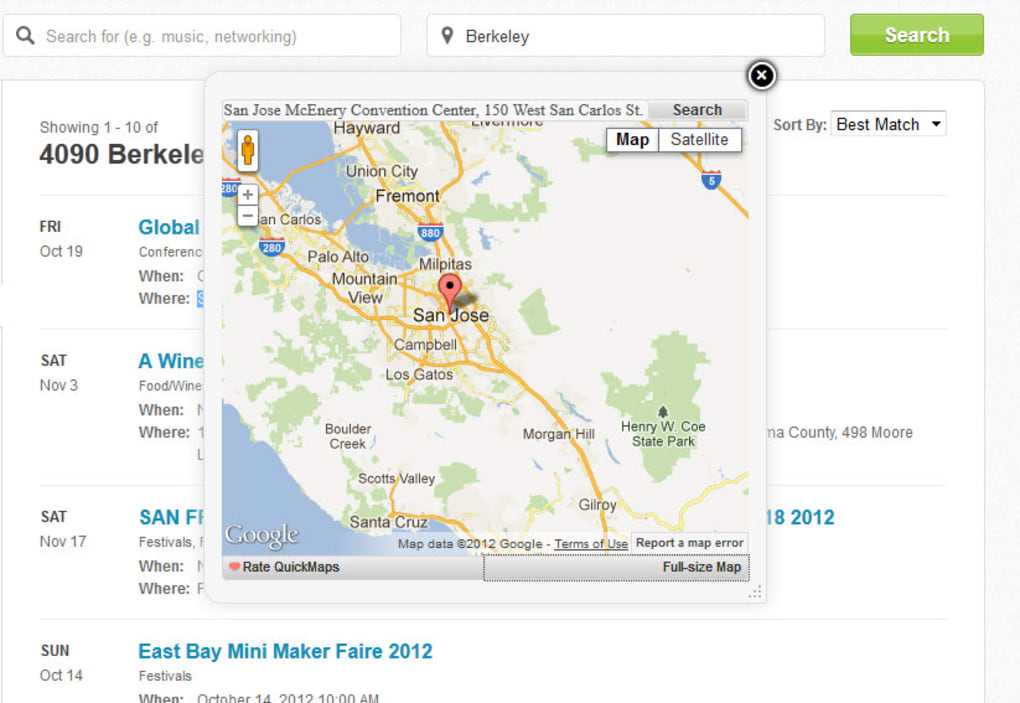
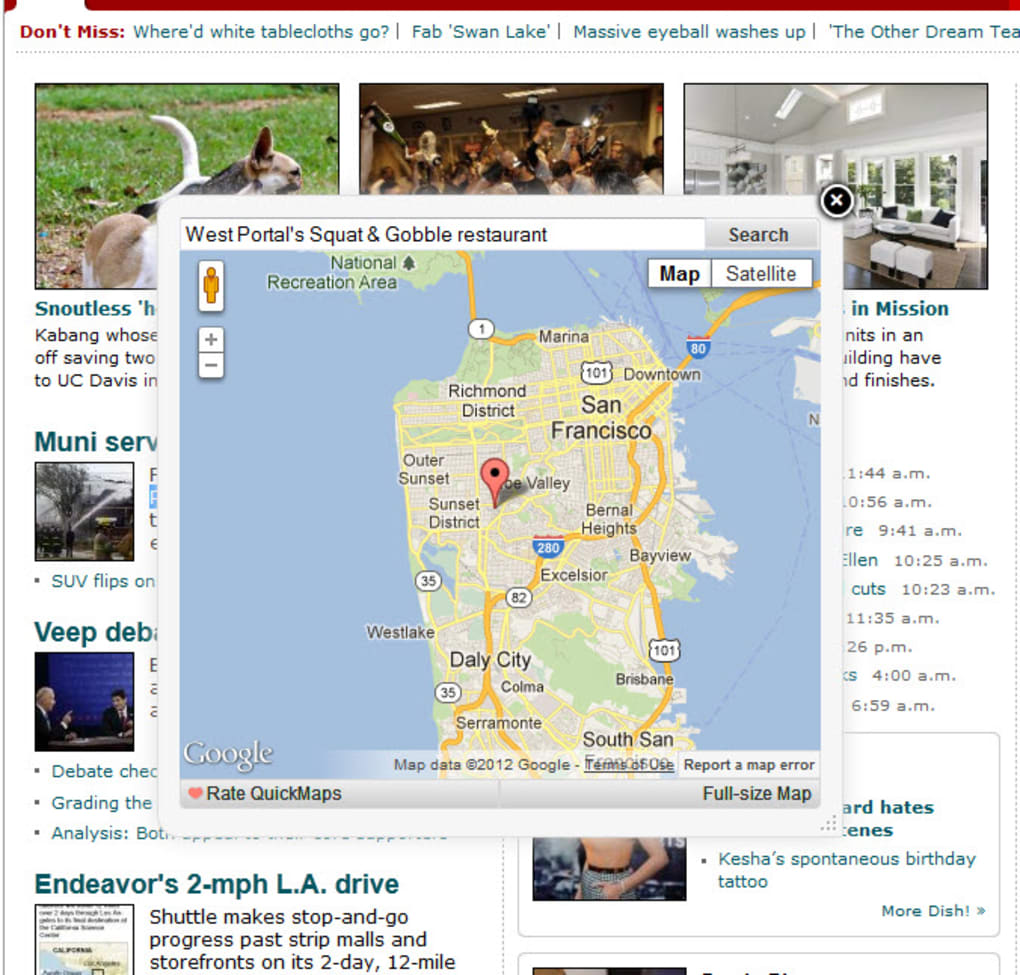
Quick Maps is a lightweight Mozilla Firefox add‑on that brings Google Maps directly into your browsing experience. Instead of opening a new tab, copying an address, and pasting it into Google Maps, you can simply highlight any location on the page you’re reading and let Quick Maps display the map in a handy pop‑up. The extension works on a wide range of sites—from news articles and forums to online stores—so you never lose focus by juggling multiple tabs. While it automatically detects addresses in the United States, United Kingdom, Germany, and Spain, you can also right‑click any highlighted text to search any other location worldwide. Quick Maps saves time, reduces tab clutter, and keeps your workflow smooth, making it an essential tool for anyone who frequently checks locations while browsing.
Key Features of Quick Maps
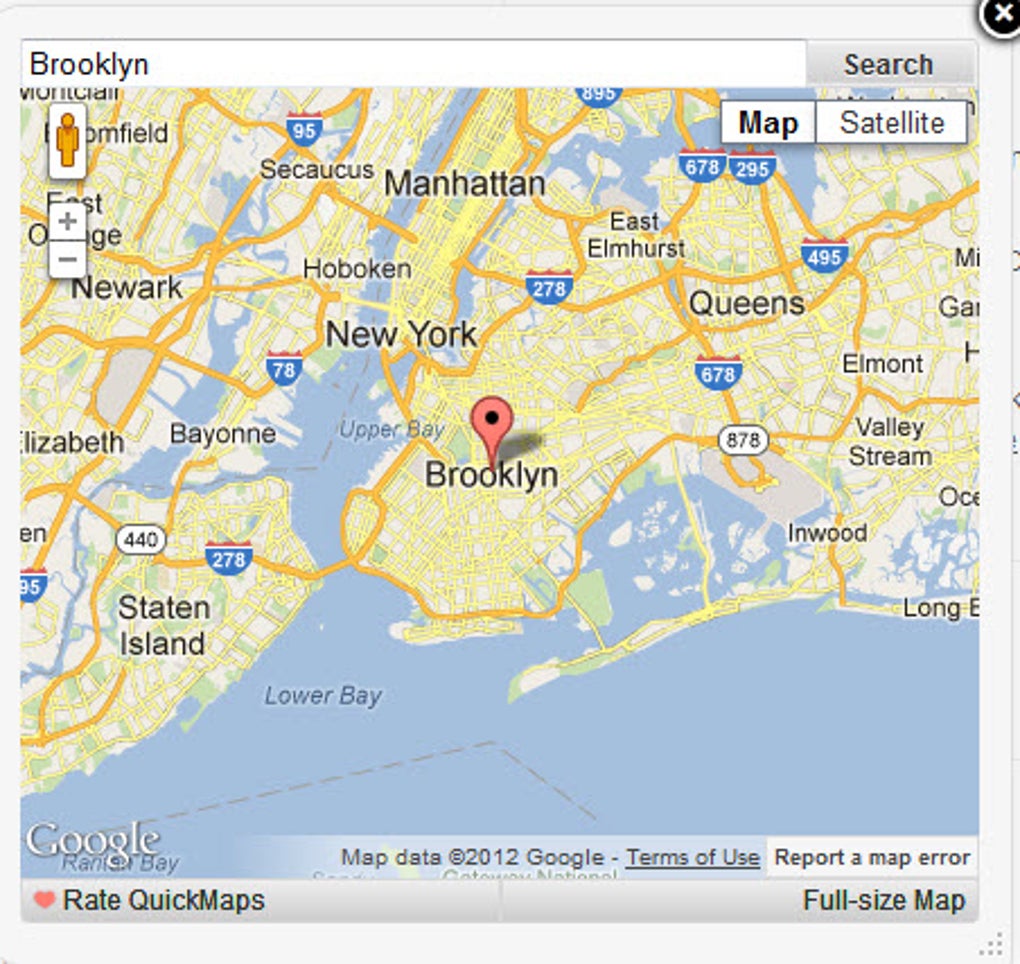
- Instant map pop‑up: Highlight an address and see a Google Maps preview without leaving the page.
- One‑click full‑screen view: Open the location in a new Google Maps tab for detailed directions or Street View.
- Multi‑language support: Works on English, Spanish, German, and many other languages via right‑click search.
- Lightweight footprint: Uses minimal system resources, keeping Firefox fast and responsive.
- Secure integration: All map data is fetched directly from Google’s official API, ensuring up‑to‑date and safe information.
- Customizable shortcuts: Set your own keyboard shortcuts for quick access to the pop‑up or full‑screen map.
- Automatic address detection: Recognizes street addresses, postal codes, and place names on supported pages.
Installation & Usage Guide
Getting Quick Maps up and running is straightforward, even for users who are new to browser extensions. Follow these steps for a smooth installation and immediate productivity boost:
- Visit the Mozilla Add‑ons site: Open Firefox and navigate to the official Quick Maps add‑on page (addons.mozilla.org). Look for the “Add to Firefox” button.
- Click “Add to Firefox”: A confirmation dialog appears. Review the requested permissions—Quick Maps only needs permission to read page content so it can detect addresses.
- Accept the permissions: Click “Add” to complete the installation. Firefox may ask you to restart the browser; if so, do it to activate the extension.
- Configure optional settings: Click the Quick Maps icon in the toolbar, then select “Options.” Here you can enable or disable automatic detection for specific countries, set shortcut keys, and choose whether the pop‑up appears on the right or left side of the screen.
- Start using the tool: While browsing any webpage, simply highlight an address (e.g., “1600 Amphitheatre Parkway, Mountain View, CA”). A small map thumbnail will appear beneath the selection. Click the thumbnail to expand it, or right‑click the highlighted text and choose “Search with Quick Maps” for locations not auto‑detected.
- Explore advanced features: Use the “Open in new tab” button inside the pop‑up to launch Google Maps with full navigation options, traffic overlays, or Street View.
Because Quick Maps is designed to be intuitive, you’ll quickly develop a habit of checking locations without interrupting your reading flow. The extension updates automatically through Firefox’s add‑on manager, ensuring you always have the latest security patches and map enhancements.
Compatibility, Pros & Cons
Supported Platforms: Quick Maps runs on all desktop versions of Mozilla Firefox for Windows, macOS, and Linux. Mobile Firefox users can also install the add‑on on Android, though the pop‑up experience is limited to a full‑screen redirect due to mobile UI constraints.
Pros
- Eliminates the need to open separate Google Maps tabs, saving time.
- Lightweight and does not noticeably affect browser performance.
- Secure data handling with direct calls to Google’s API.
- Customizable shortcuts and pop‑up placement for personal workflow.
- Free to download and use, with regular automatic updates.
Cons
- Automatic address detection is limited to the United States, United Kingdom, Germany, and Spain; other regions require manual right‑click search.
- The pop‑up can be less convenient on very small screens or when reading dense articles.
- No built‑in offline map support; an internet connection is required for every lookup.
Frequently Asked Questions
Does Quick Maps collect any personal data?
Quick Maps only reads the text of the page you are viewing to detect addresses. All map requests are sent directly to Google’s servers, and the extension does not store or transmit any personal identifiers.
Can I use Quick Maps on non‑English websites?
Yes. While automatic detection works best for English, German, Spanish, and US addresses, you can manually highlight any text, right‑click, and choose “Search with Quick Maps” to look up locations in any language.
Is the add‑on compatible with Firefox Quantum?
Absolutely. Quick Maps is built on WebExtension APIs, which are fully supported by Firefox Quantum (version 57 and later) on Windows, macOS, and Linux.
How often does Quick Maps receive updates?
The developer releases updates roughly every 4–6 weeks, primarily to keep the integration aligned with Google Maps API changes and to add minor UI refinements.
Can I disable the pop‑up and only use the full‑screen option?
Yes. In the extension’s options panel you can turn off the inline preview and configure the right‑click menu to always open a new Google Maps tab instead.
Conclusion & Call to Action
Quick Maps fills a clear niche for power users who need location data without breaking their browsing flow. By delivering an instant Google Maps preview right inside Firefox, it reduces tab overload, speeds up research, and keeps you focused on the content that matters. The add‑on is free, secure, and receives regular updates, making it a trustworthy companion for journalists, travelers, real‑estate professionals, and anyone who frequently checks addresses online. Ready to streamline your map lookups? Download Quick Maps now and experience a faster, cleaner way to navigate the web.
- Pros: Fast pop‑up, low resource usage, free, secure.
- Cons: Limited auto‑detect regions, no offline maps.







